I currently have VyOS setup on a box and have tried to configure VPP following the commands specified in Performance notice | VyOS VPP Addon Documentation.
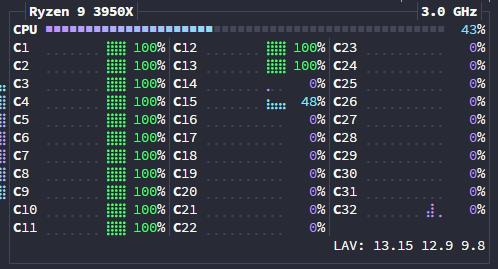
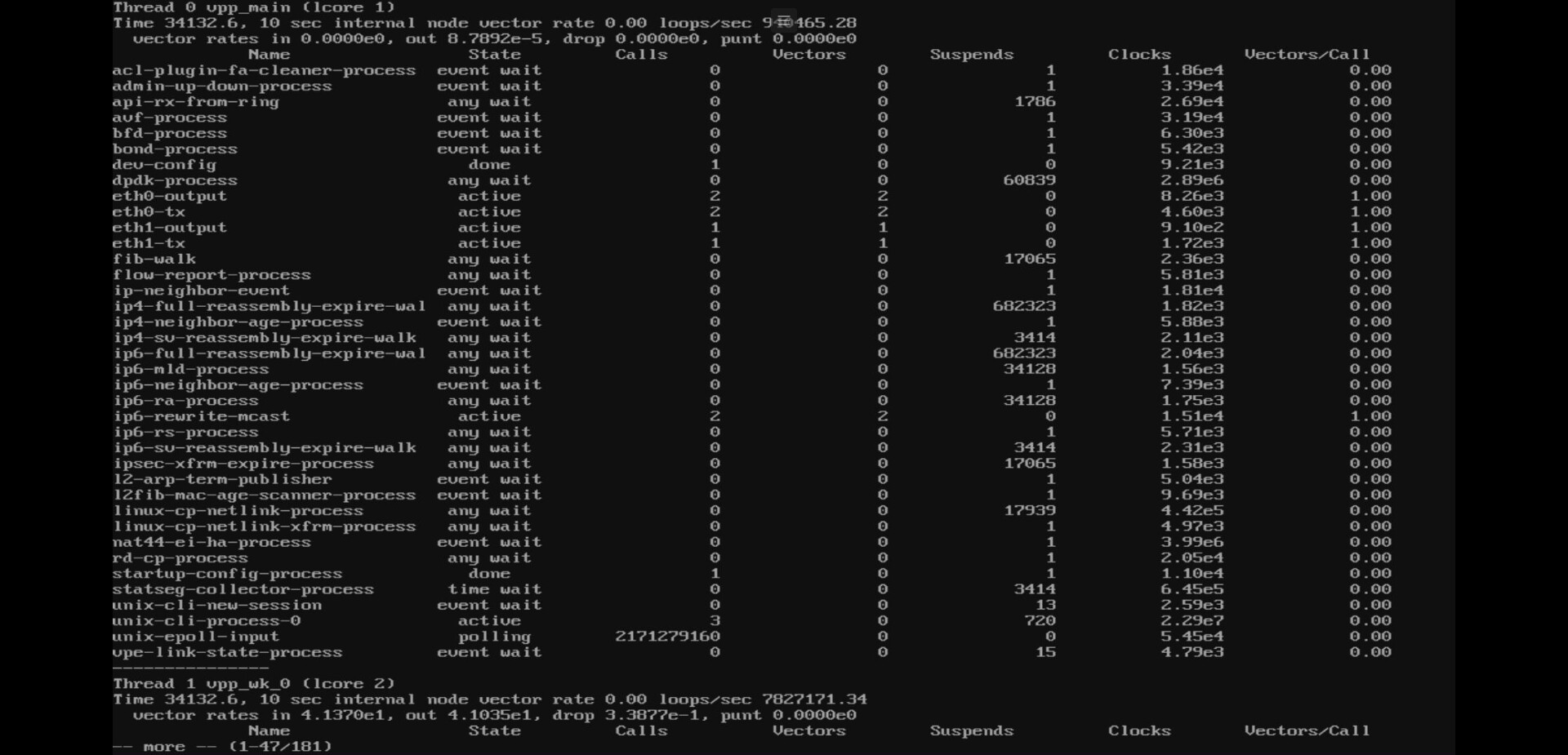
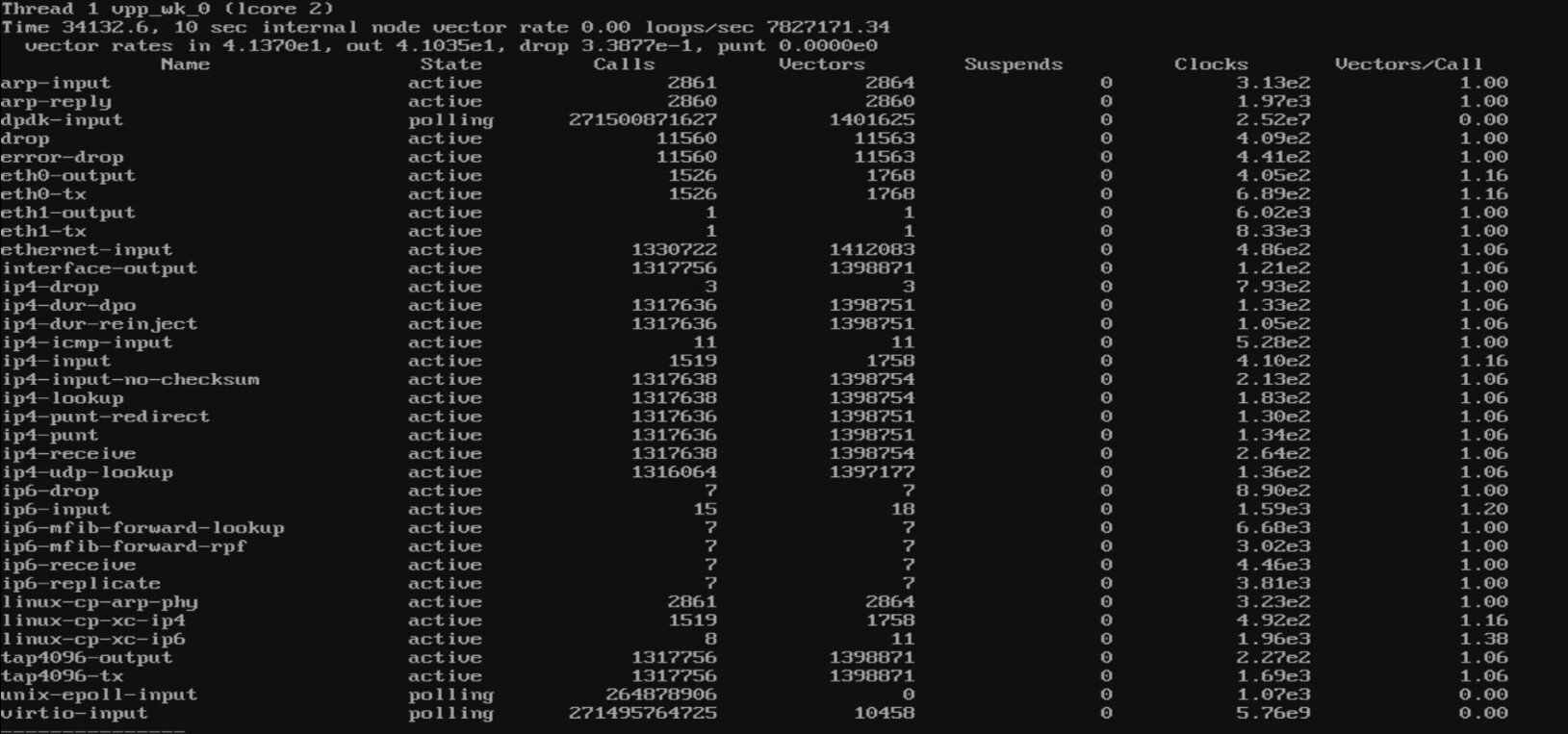
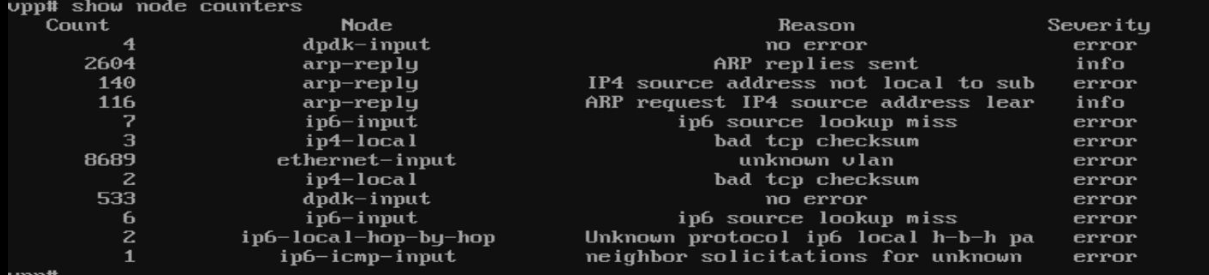
However, when the box goes under some load (in this case I generated ~140K packets per second), it seems to use the main core when, from my understanding, this shouldn’t be using that much CPU?
Could someone help me to see if my understanding is incorrect or if there’s something wrong with my config etc.
Configuration
set interfaces ethernet eth0 address ‘xxx.xxx.81.51/29’
set interfaces ethernet eth0 hw-id ‘xx:xx:xx:xx:xx:48’
set interfaces ethernet eth0 ring-buffer rx ‘8192’
set interfaces ethernet eth0 ring-buffer tx ‘8192’
set interfaces ethernet eth1 hw-id ‘xx:xx:xx:xx:xx:49’
set interfaces ethernet eth1 ring-buffer rx ‘8192’
set interfaces ethernet eth1 ring-buffer tx ‘8192’
set interfaces loopback lo
set protocols static route xxx.xxx.0.0/0 next-hop xxx.xxx.81.49
set service ssh
set system config-management commit-revisions ‘100’
set system console device ttyS0 speed ‘115200’
set system host-name xxxxxx
set system login user xxxxxx authentication encrypted-password xxxxxx
set system login user xxxxxx authentication plaintext-password xxxxxx
set system name-server ‘xxx.xxx.1.1’
set system name-server ‘xxx.xxx.9.9’
set system option kernel disable-mitigations
set system option kernel memory hugepage-size 2M hugepage-count ‘3072’
set system option reboot-on-upgrade-failure ‘5’
set system sysctl parameter net.core.rmem_default value ‘134217728’
set system sysctl parameter net.core.rmem_max value ‘536870912’
set system sysctl parameter net.core.wmem_default value ‘134217728’
set system sysctl parameter net.core.wmem_max value ‘536870912’
set system syslog local facility all level ‘info’
set system syslog local facility local7 level ‘debug’
set vpp settings cpu corelist-workers ‘0-12’
set vpp settings cpu main-core ‘14’
set vpp settings host-resources shmmax ‘6442450944’
set vpp settings interface eth0 dpdk-options num-rx-queues ‘1’
set vpp settings interface eth0 dpdk-options num-tx-queues ‘1’
set vpp settings interface eth0 driver ‘dpdk’
set vpp settings interface eth1 dpdk-options num-rx-queues ‘1’
set vpp settings interface eth1 dpdk-options num-tx-queues ‘1’
set vpp settings interface eth1 driver ‘dpdk’
set vpp settings lcp netlink rx-buffer-size ‘536870912’
set vpp settings memory main-heap-page-size ‘default-hugepage’
set vpp settings memory main-heap-size ‘4G’
set vpp settings statseg page-size ‘default-hugepage’
set vpp settings statseg size ‘256M’
Before generating the packet load (C1-13 are workers, C15 is main)
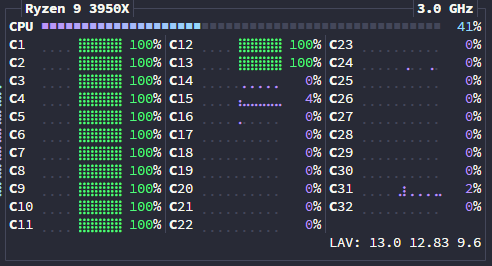
While generating the packet load (C1-13 are workers, C15 is main)