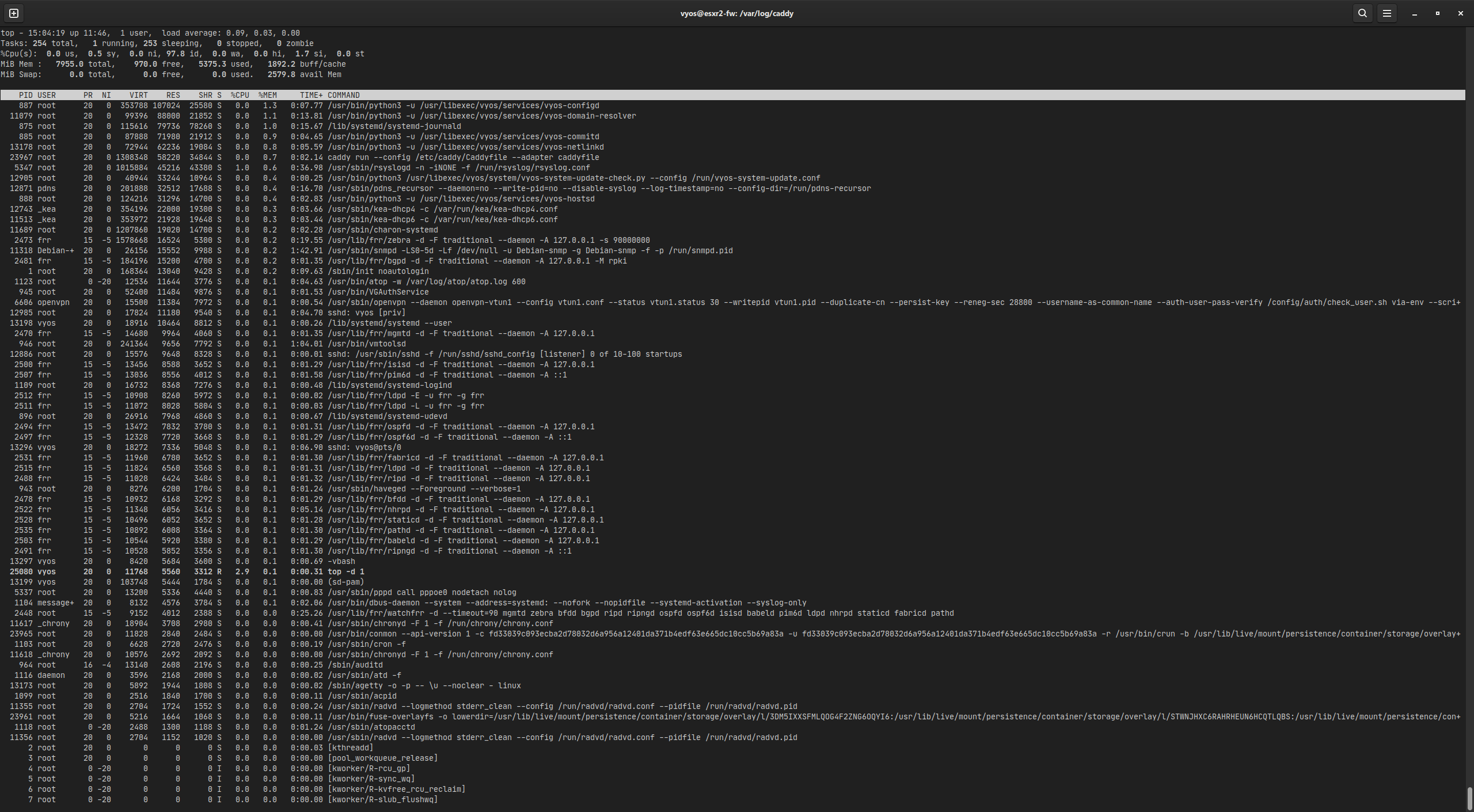
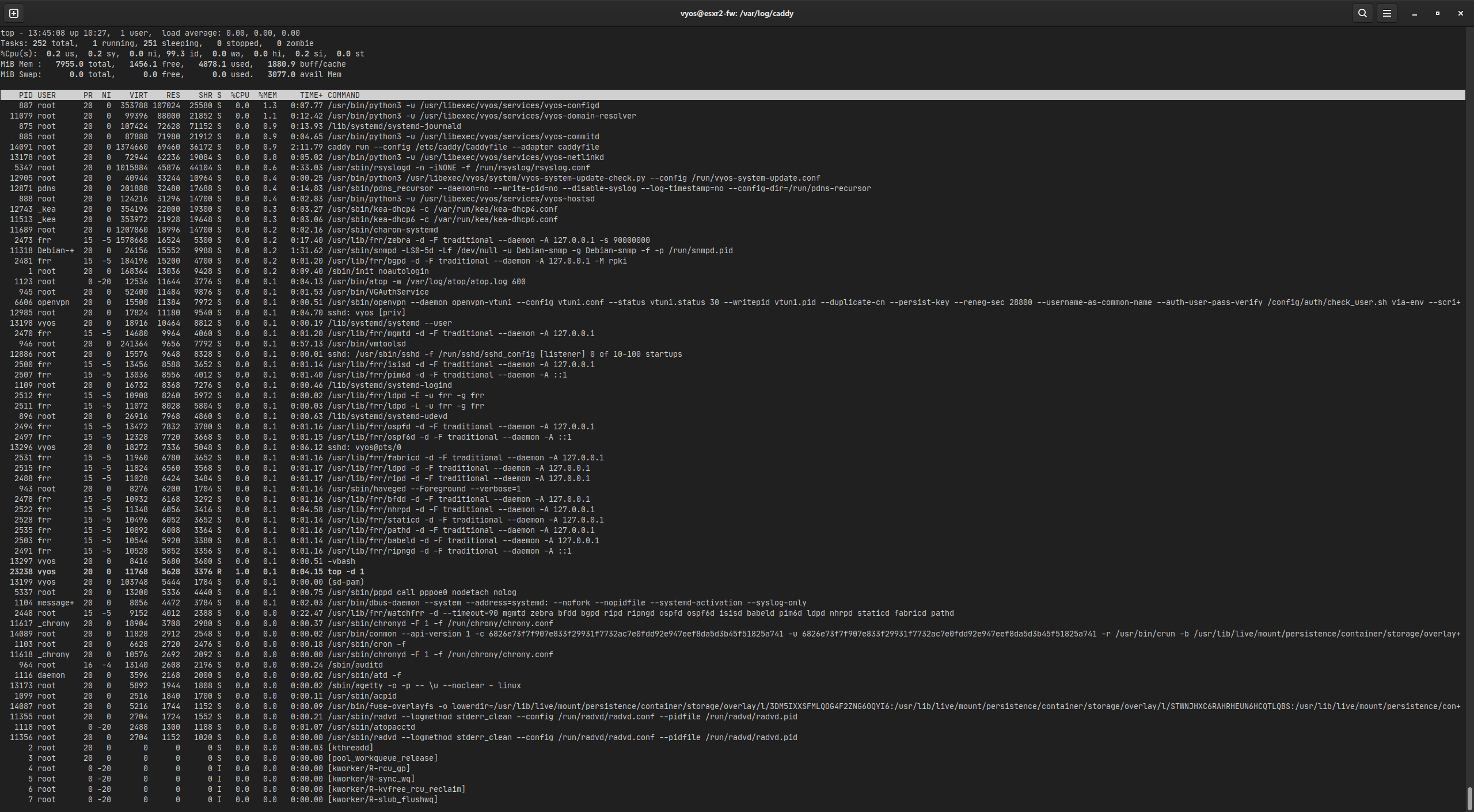
I’ve migrated the second of our Sophos UTM firewalls to VyOS yesterday. It seems to have a memory leak somewhere, as something is eating up about 200MB per hour, but a “top” sorted on memory usage doesn’t display any difference if I compare with an hour difference:
If I look at the monitoring of the first one, it has been stable at about 16% memory usage over the last two weeks.
I’ve been looking at the differences, and there are two, this system has :
- an IPSec site-to-site connection (2 tunnels, one IPv4 and one IPv6)
- KEA DHCP v4
- KEA DHCP v6
- a container running Caddy as reverse proxy, limited to 1024MB memory and 2 CPU cores
As a test, I have disabled the container and rebooted the router, but that doesn’t make any difference, watching top you see available memory continuously decreasing:
Is there a memory utilisation issue with strongswan?
Version:          VyOS 20260519
Release train:    current
Release flavor:   generic

Built by:         batman@flexcoders.dev
Built on:         Tue 19 May 2026 16:43 UTC
Build UUID:       8831142c-2bf5-4b77-900a-b62398321a33
Build commit ID:  440a78d5e423e4

Architecture:     x86_64
Boot via:         installed image
System type:      VMware guest
The last crash happened at 04:10 this morning, and was preceded with quite a spike in memory usage, as seen on the monitoring graph.
At 04:00, a backup started from the local office NAS to the DC backup server, which goes through the IPSec tunnel.
I’ve found quite a few web sites related to the NAS backup over IPSec, and they mention that a high traffic volume (there is about 300Mbps between the two IPSec endpoints) in combination with fragmentation (maybe because PPPoE MTU is 1492 and not 1500) causes CPU and memory allocation spikes in Strongswan SA.
But no clue how to address these issues.
I found a post from the ISP here that they support “mini jumbo frames”, so I tried to set the eth0 MTU to 1508 and the PPPoE0 MTU to 1500, but the interface MTU remains on 1492, causing all sorts of misery.
A restart ipsec doesn’t release any allocated memory, which also points to a memory leak somewhere.
It is about to go again:
It takes about 18 hours to gobble up the 7GB that is free after the router boots.
I don’t think it is IPSec traffic (or fragmentation) related, overnight about 50GB was rsynced through the tunnel, with no impact whatsover to the steady liniar increase of memory usage.
When it gets to 95% or so, I’ll reboot again, and immediately stop the kea-dhcpv4, kea-dhvpv6, strongswan services, and the running container. If that produces a stable situation (which should be clear within 10 minutes, at the rate it is going now), I start them again, one by one, and hopefully I can pin down the culprit this way. I’ll report back.
I can confirm it is a memory leak in Strongswan.
Kea (dhcp4 and dhcp6), and podman running Caddy, take a bit of memory when they start, but after that the system remains stable.
As soon as I start Strongswan, it starts eating memory, at a rate of 1MB every 5-10 seconds. When I stop it again, it dips, goes up a bit, and then remains stable.
I have added the info to ⚓ T8942 Strongswan 5.x can not create a route when using a point-to-point tunnel (policy routing)